






Our Services
Battery Replacements
Keyboard Laptop Repair in Frankfort KY
Laptop Repair Technician Frankfort
Virus Removal
Software Troubleshooting Laptop Repair
Motherboard Replacement
Data Recovery
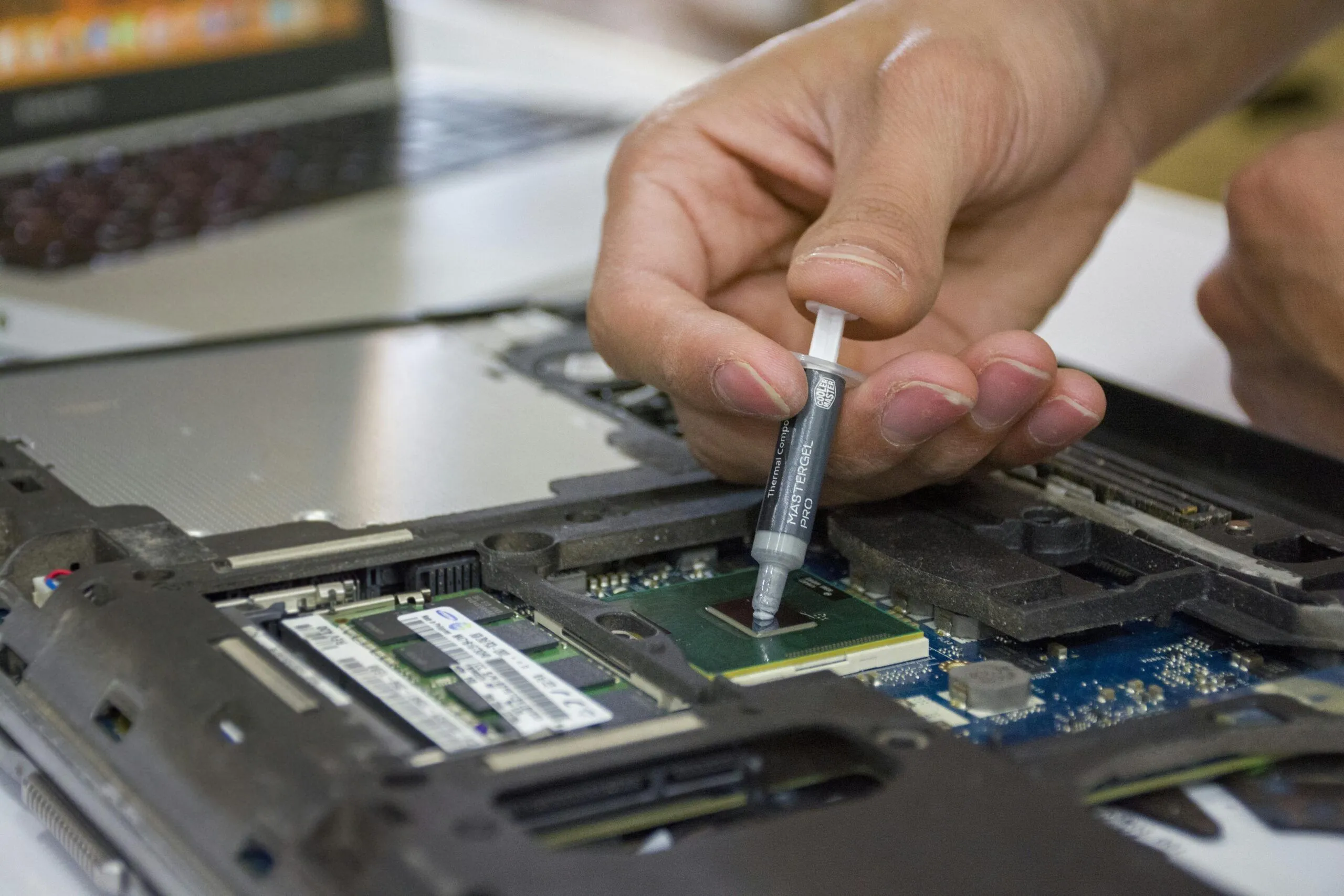
Overheating Laptop Repair Services in Frankfort
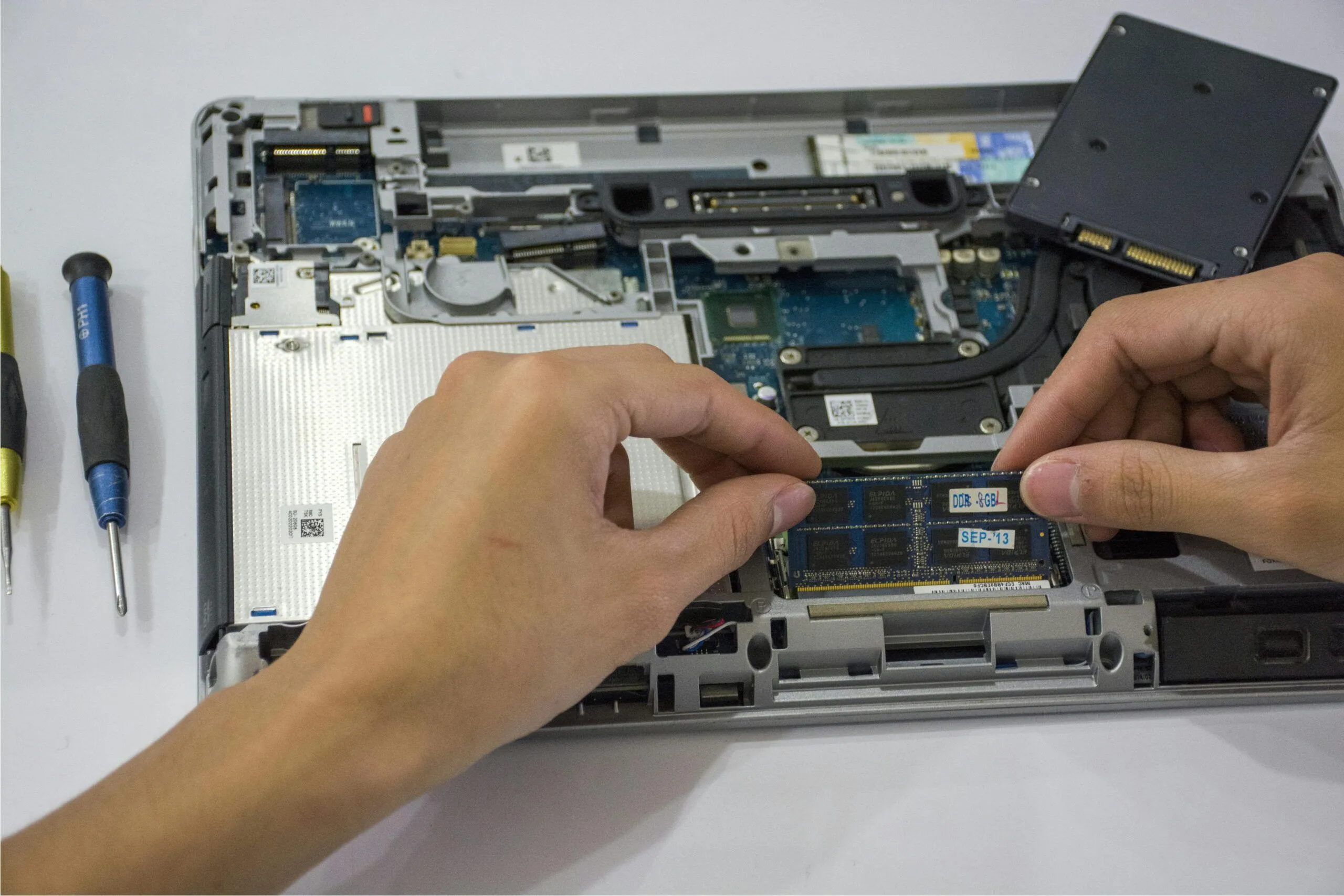
Hardware Upgrades in Frankfort
Our ERP Expertise
Quick Fixes
The Right Parts
Affordable Packages
Guaranteed Work

Have questions?
Frequently asked Questions
What types of laptops do you repair?
We repair all major brands of laptops, including but not limited to Dell, HP, Lenovo, MacBook, Asus, Acer, and Microsoft Surface.
How do I know if my laptop can be repaired?
We offer a diagnostic service to assess the issue with your laptop. Once we understand the problem, we will provide you with a detailed repair quote and estimated repair time.
What common laptop problems do you fix?
We fix a wide range of issues including:
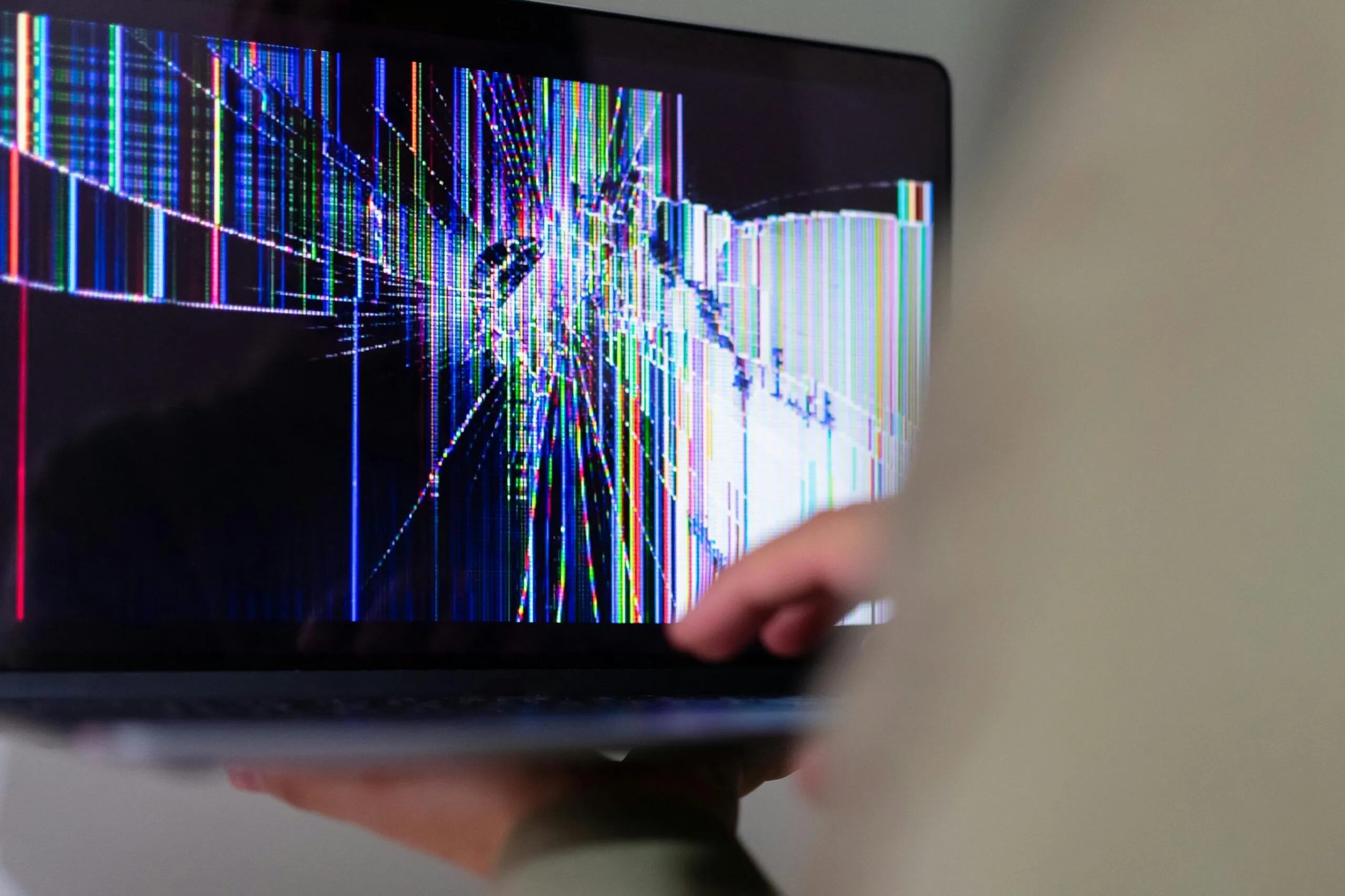
Screen repairs and replacements
Battery issues and replacements
Keyboard malfunctions
Overheating problems
Hard drive and SSD upgrades or replacements
Software problems and virus removal
Motherboard and hardware repairs
Charging port repairs
We fix a wide range of issues including:
Screen repairs and replacements
Battery issues and replacements
Keyboard malfunctions
Overheating problems
Hard drive and SSD upgrades or replacements
Software problems and virus removal
Motherboard and hardware repairs
Charging port repairs
How long does a typical laptop repair take?
The repair time depends on the issue. For common repairs like screen replacements or battery issues, repairs can often be completed within 1-3 business days. More complex repairs may take longer, but we’ll keep you updated throughout the process.
How much will my laptop repair cost?
Repair costs vary depending on the type of service required. After our diagnostic assessment, we’ll provide you with a transparent, no-obligation estimate before any work is done.
Do you offer data recovery services?
Yes, we offer data recovery services in case of hard drive failures, accidental deletions, or other data loss scenarios. We will do our best to retrieve your important files.
Can you repair liquid damage to my laptop?
Liquid damage can be tricky, but we may be able to repair it depending on the extent of the damage. It’s important to bring your laptop in as soon as possible after any liquid exposure for the best chance of recovery.
Do I need to make an appointment to get my laptop repaired?
While walk-ins are welcome.
Do you provide a warranty on repairs?
Yes, we provide a warranty on most repairs. The warranty period varies depending on the type of repair, so be sure to ask about the warranty when you bring your laptop in.
Is it worth repairing an old laptop?
It depends on the cost of the repair and the value of your laptop. If the repair is too costly compared to the cost of a new laptop, we may recommend upgrading. We will help you evaluate your options and make an informed decision.
Can I upgrade my laptop’s RAM or storage?
Yes, we offer RAM and storage upgrades for most laptop models. Upgrading your laptop’s RAM or hard drive can boost its performance and extend its lifespan.
Do you provide remote troubleshooting services?
Yes, we offer remote support for software issues and troubleshooting. If you’re unable to visit in person, we can guide you through the process remotely or perform certain fixes via remote access.
How do I get a quote for my laptop repair?
You can get a quote by bringing your laptop in for a diagnostic check. Alternatively, you can contact us through our website or call us, and we’ll provide an estimated quote based on your description of the issue.
Related Post

6 Tips for Better Pictures with Your Smartphone